Body
Current students may access and view itemized statement/account activity through MyPath on Student Self-Service using the instructions below. Former students that no longer have account access may make a request with their Business Office directly.
- Login to MyPath and select Student Self-Service.
- From the Student Homepage, select the Fin. Aid & Account Balance tile.
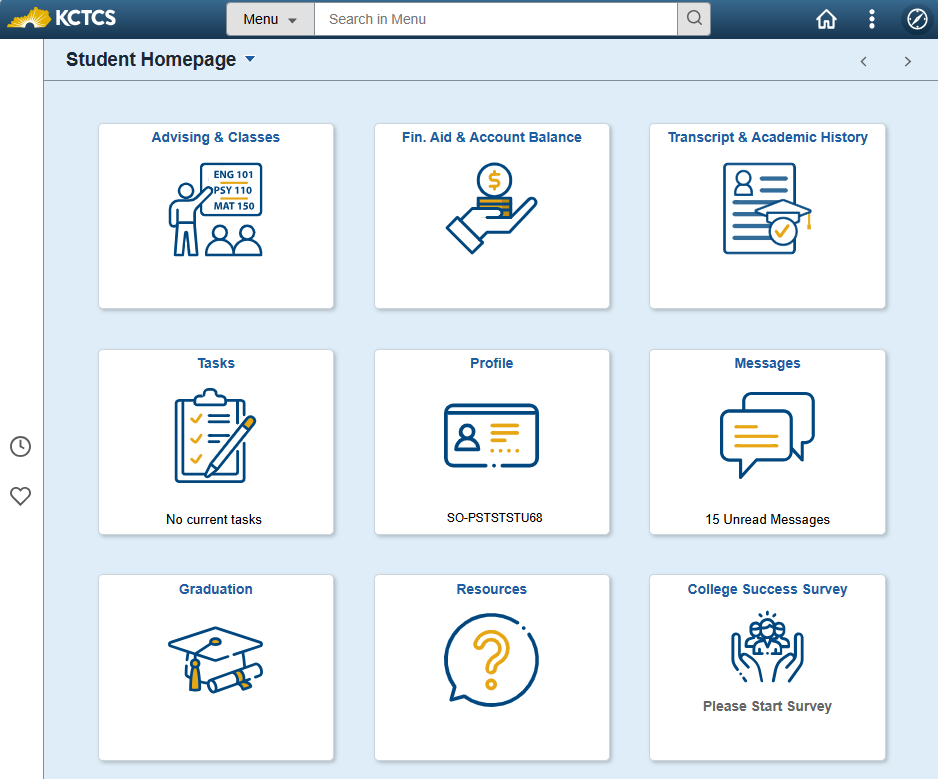
- On the left navigation menu, select Online Account Statement, then the term you would like to view an itemized statement for. If you need to print, you may do so using the Printable Page button. Note: Please keep in mind that e-Bills will not be issued until early July for the Fall term, late November for the Spring term, and late April for the Summer term.
View our directions with visuals (student login required) for more details.
(Student Accounts > Tuition and Fees)